Hardware
-
 Fizz
Fizz
-
 Gush 2 Motion
-
 Extension Rod Kit
-
 Ambi
Ambi
-
 Calor
Calor
-
 Diamo
Diamo
-
 Dolce
Dolce
-
 Domi 2
-
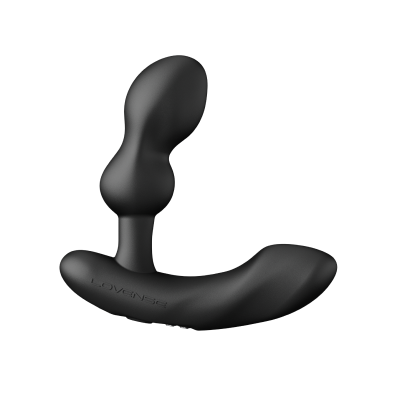
 Edge 2
-
 Exomoon
-
 Ferri
Ferri
-
 Flexer
-
 Gemini
-
 Gravity
-
 Gush
Gush
-
 Gush 2
-
 Hush
Hush
-
 Hush 2
-
 Hyphy
Hyphy
-
 Kraken
-
 Lapis
Lapis
-
 Lovense Mini Sex Machine
-
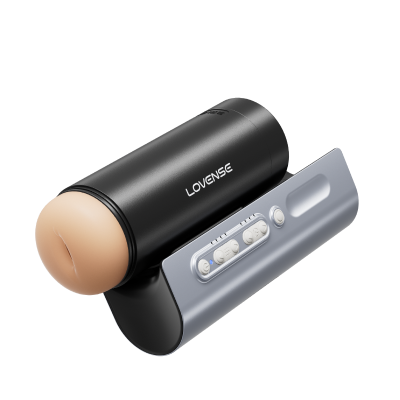
 Lovense Sex Machine
-
 Lovense USB Bluetooth Adapter
-
 Lovense Webcam
-
 Lovense Webcam 2
-
 Lush 3
-
 Lush 4
-
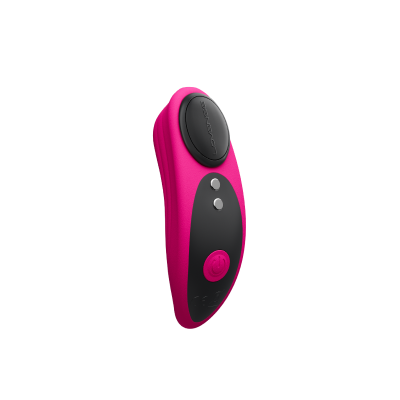
 Lush Mini
-
 Lush Anal
-
 Max 2
Max 2
-
 Mission 2
-
 Nora
Nora
-
 Osci 2
-
 Osci 3
-
 Ridge
Ridge
-
 Solace
-
 Solace Pro
-
 Spinel
-
 Tenera 2
-
 Vulse
Vulse
-
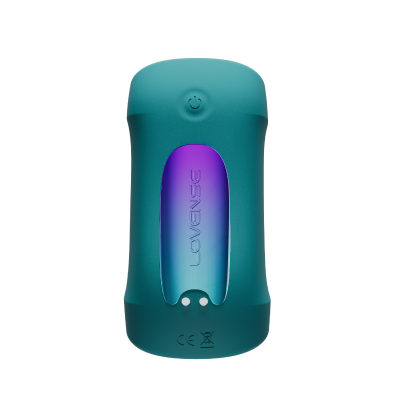
 Velvo
Velvo
Shipping
Warranty / Returns / Refunds / Replacements
Privacy
Lovense Cam Models FAQ
Hardware: Lovense Webcam 2
Hardware:Lovense Webcam 2
Lovense Webcam 2
-
1. How do I use it for livestreaming with Lovense Stream Master or Lovense Cam Extension?
You can easily set up Lovense Webcam 2 for using it with Lovense Stream Master or Lovense Cam Extension.
1. Connect Lovense Webcam 2 to your computer.
2. For Lovense Stream Master users: open built-in OBS in the settings page; For Lovense Cam Extension users: install our latest version of OBS toolset.
3.Connect your OBS to Lovense Cam Extension.
4. Add a "Video Capture Device" to your scene. Choose Lovense Webcam 2 to your camera source.
5. Adjust the webcam settings in the settings page.
6. You're good to go!Not helpful HelpfulYour nameYour emailRe-enter your emailYour Question0/1000
(optional)jpg/png/gif/bmp
(0/5)(optional)Upload a video
By clicking the Send button below, you hereby agree to and accept our Terms and Conditions and Privacy Policy
-
2. Which platforms support Lovense Webcam 2?
Lovense Webcam 2 is compatible with:
1.Streaming platforms such as Chaturbate, StripChat, BongaCams, Cam4, MyFreeCams, OnlyFans, Fansly, Twitch, etc.
2.Streaming tools such as OBS, Streamlabs, XSplit and more.
3.Meeting platforms such as Microsoft Teams, Skype, Zoom, Google Meet.Not helpful HelpfulYour nameYour emailRe-enter your emailYour Question0/1000
(optional)jpg/png/gif/bmp
(0/5)(optional)Upload a video
By clicking the Send button below, you hereby agree to and accept our Terms and Conditions and Privacy Policy
-
3. What are the minimum software requirements for using Lovense Webcam 2 with Lovense Stream Master and Cam Extension?
1. For Stream Master users:
Stream Master - 1.2.2 or newer
Lovense Connect mobile app - 2.8.6 or newer for iOS and 3.0.2 or newer for Android
2. For Lovense Cam Extension users:
Lovense OBS toolset - 2.0.8 or newer
Lovense Cam Extension - 30.7.0 or newer
Lovense Connect mobile app - 2.8.6 or newer for iOS and 3.0.2 or newer for AndroidNot helpful HelpfulYour nameYour emailRe-enter your emailYour Question0/1000
(optional)jpg/png/gif/bmp
(0/5)(optional)Upload a video
By clicking the Send button below, you hereby agree to and accept our Terms and Conditions and Privacy Policy
-
4. How does Lovense Webcam 2’s performance compare to the previous Webcam?
In our internal testing, we found that Lovense Webcam 2 generates 10% less heat and takes up 10% less computing resources compared to Lovense Webcam.
Not helpful HelpfulYour nameYour emailRe-enter your emailYour Question0/1000
(optional)jpg/png/gif/bmp
(0/5)(optional)Upload a video
By clicking the Send button below, you hereby agree to and accept our Terms and Conditions and Privacy Policy
-
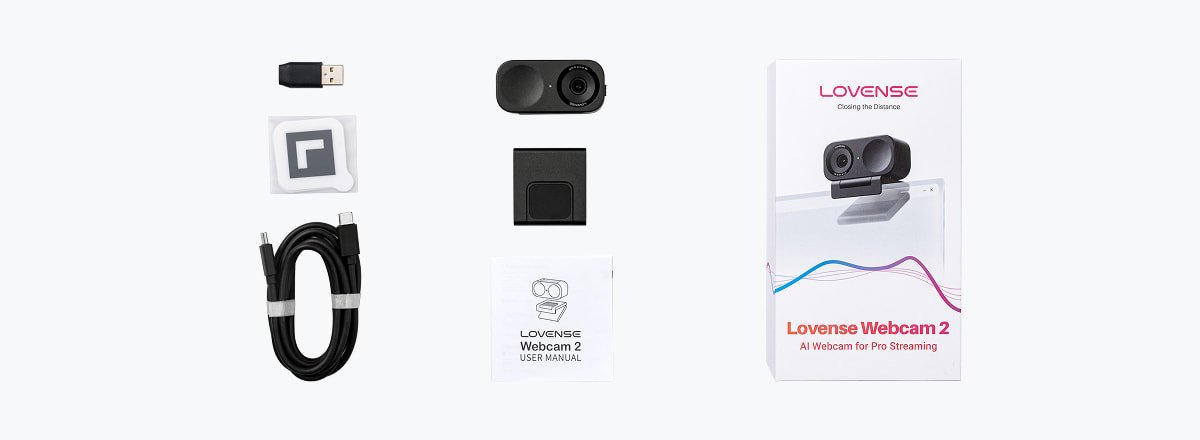
5. What is included with Lovense Webcam 2?
 Not helpful HelpfulYour nameYour emailRe-enter your emailYour Question
0/1000
(optional)jpg/png/gif/bmp
(0/5)(optional)Upload a video
By clicking the Send button below, you hereby agree to and accept our Terms and Conditions and Privacy Policy
-
6. Where can I find the user manual?
Please click here to download the user manual for Lovense Webcam 2.
Not helpful HelpfulYour nameYour emailRe-enter your emailYour Question0/1000
(optional)jpg/png/gif/bmp
(0/5)(optional)Upload a video
By clicking the Send button below, you hereby agree to and accept our Terms and Conditions and Privacy Policy
-
7. Can I use Lovense Webcam 2 without Lovense software?
Yes, but without it, you can only access basic features such as 4K HD resolution and Voice Focus mode. It is recommended to use Lovense Software with OBS to control advanced settings such as Auto Framing, hand gesture control, image setting, mode switching, letting viewers zoom in on preset positions after sending tips, and more.
Not helpful HelpfulYour nameYour emailRe-enter your emailYour Question0/1000
(optional)jpg/png/gif/bmp
(0/5)(optional)Upload a video
By clicking the Send button below, you hereby agree to and accept our Terms and Conditions and Privacy Policy
-
8. Where can I find the EU Declaration of Conformity for this product?
Please click here to download the EU Declaration of Conformity for Lovense Webcam 2.
Not helpful HelpfulYour nameYour emailRe-enter your emailYour Question0/1000
(optional)jpg/png/gif/bmp
(0/5)(optional)Upload a video
By clicking the Send button below, you hereby agree to and accept our Terms and Conditions and Privacy Policy