
 Lovense Remote
 Lovense Remote
- Long Distance
- Close Range
- Basic Guides
- Discover
- User Report
Lovense Remote:D&S Group Control
 Lovense Remote
D&S Group Control
D&S Control allows a user (the Sub) to be controlled by many users (the Doms), one by one.
Getting Started
Ensure you are using the latest version of Lovense Remote. When you run the app, you can join or create a group.
How to Start D&S Control
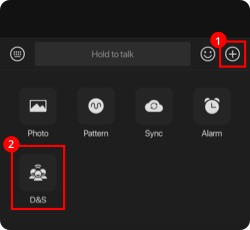
1. To begin a D&S session in your group, tap the plus sign  and select D&S.
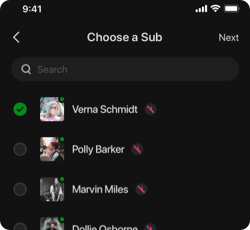
2. Choose a Sub from the list of group members. The Sub needs to have a toy connected. Tap Next.
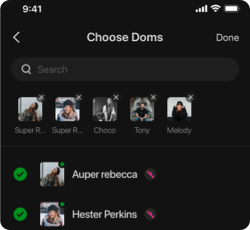
3. Choose the Doms and tap Done. The Doms and the Sub will receive a notification to accept or decline the D&S session.
4. The session will begin once the Sub and at least one Dom accept the invitation.
5. The default control duration is 30 seconds. The Sub can adjust this from the bottom of their screen.
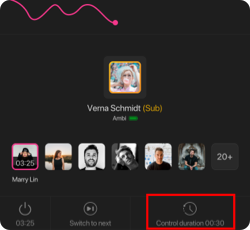
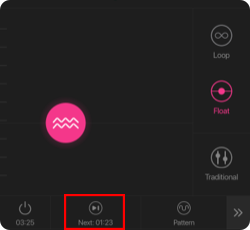
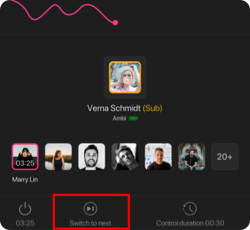
6. The Dom in control and the Sub can switch to the next Dom in the queue.
7. Have fun!