Toys
-
 Ambi
Ambi
-
 Calor
Calor
-
 Diamo
Diamo
-
 Dolce
Dolce
-
 Domi
Domi
-
 Domi 2
-
 Edge
Edge
-
 Edge 2
-
 Exomoon
-
 Ferri
Ferri
-
 Flexer
-
 Fizz
Fizz
-
 Gemini
-
 Gravity
-
 Gush
Gush
-
 Gush 2
-
 Gush 2 Motion
-
 Hush
Hush
-
 Hush 2 (1 Inch)
-
 Hush 2 (1.5 Inch)
-
 Hush 2 (1.75 Inch)
-
 Hush 2 (2.25 Inch)
-
 Hyphy
Hyphy
-
 Lapis
Lapis
-
 Lovense Mini Sex Machine
-
 Lovense Sex Machine
-
 Lush
Lush
-
 Lush 2
-
 Lush 3
-
 Lush 4
-
 Lush Mini
-
 Lush Anal
-
 Max
Max
-
 Max 2
Max 2
-
 Mission
-
 Mission 2
-
 Nora
Nora
-
 Osci
Osci
-
 Osci 2
-
 Osci 3
-
 Ridge
Ridge
-
 Solace
-
 Solace Pro
-
 Spinel
-
 Vulse
Vulse
-
 Tenera 2
-
 Velvo
Velvo

 Lovense Mini Sex Machine
Getting Started
Turning On/Off:
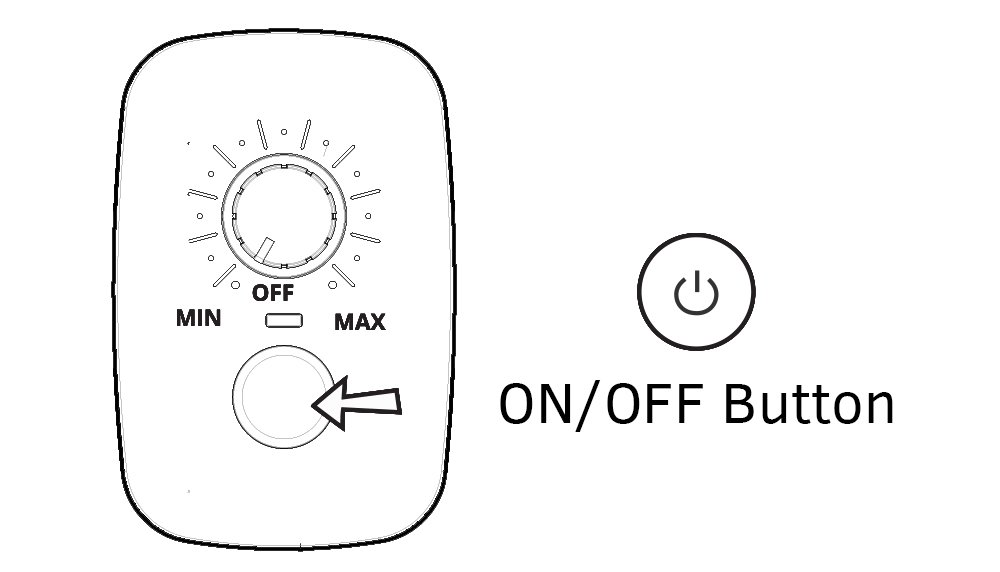
Assemble according to the Assembly & Set Up Instructions and plug into a power outlet. Make sure you rotate the Speed Dial to the OFF position before turning it on. Turn on the machine by clicking the button on the Control Box. Once the machine is on, the red light will blink.
Button Instruction
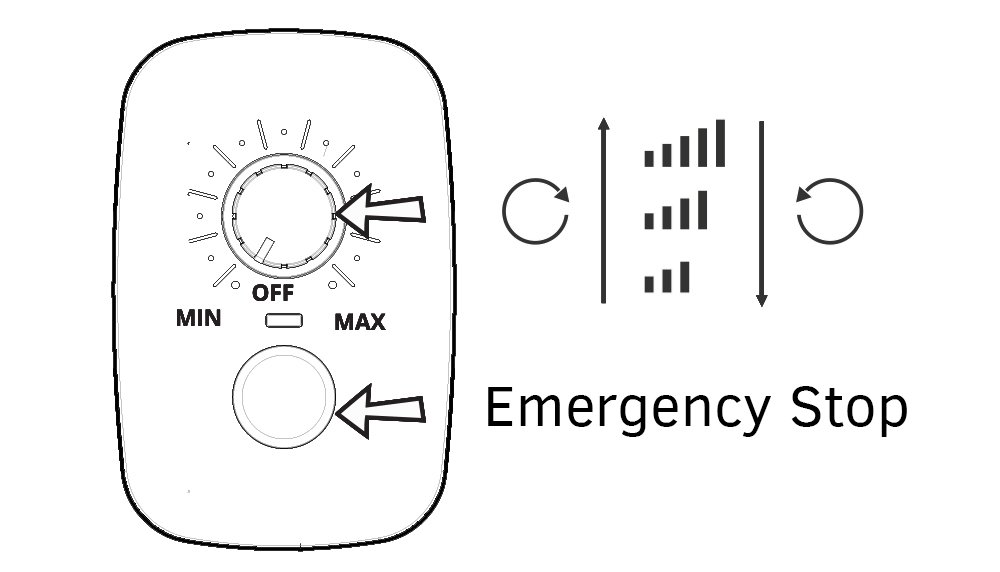
Click the button to turn on the machine. Rotate the dial to increase and decrease the thrust speed.
Emergency stop: Press the button at any time to immediately stop the machine.
Cleaning & Care
Clean Lovense Sex Machine before and after each use.
Control Box, Main Body, Power Supply and the Power Plug can be only cleaned with a cloth.
Clean the Dildo and all other parts with warm water and mild soap (or sex toy cleaner).
Make sure the water doesn’t go inside the hole on the back side of the Dildo.
Dry thoroughly before storing or turning on the machine.
Due to the self-greasing system you do not need to oil or grease the machine.
Lubricant
To avoid any issues, only use water-based lube. DO NOT use silicone or oil-based lubricants.
Before use, generously apply lube to the product and yourself.
Water-based lube may dry out, so you should reapply as needed. We recommend using Lovense Water-Based Lubricant for the best experience.
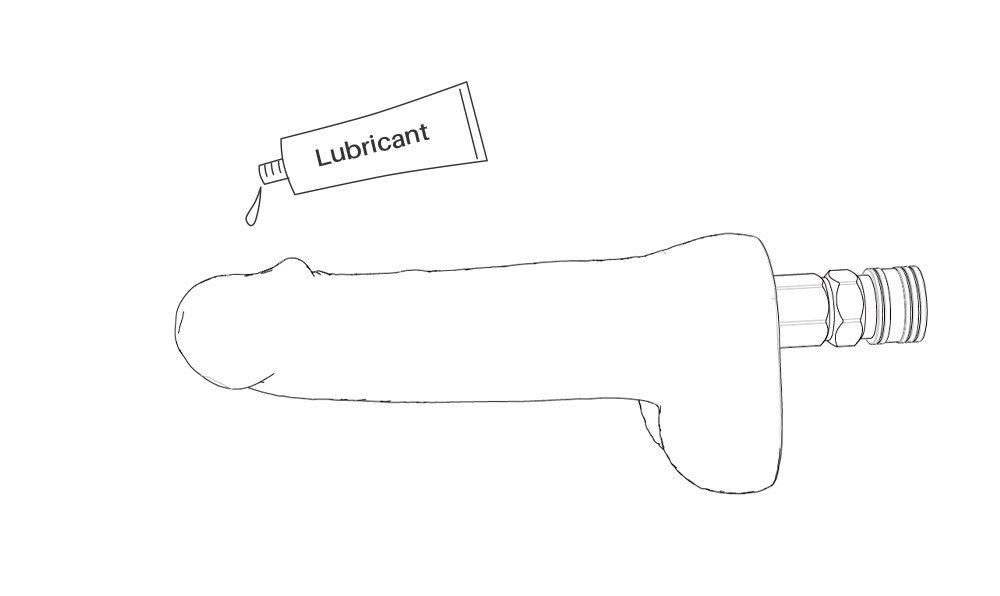
Usage Tip
Make sure to power off Lovense Mini Sex Machine before adjusting the stroke distance (see Assembly & Set Up Instructions).
For your first time, we suggest setting the stoke depth and speed to low then gradually increasing until you find your preferred depth/speed.
Use the adapter located in the included dildo if you want to use different Vac-U-Lock compatible dildos.

Pair with other Lovense toys
Add Solace Pro for automatic thrusting pleasure.
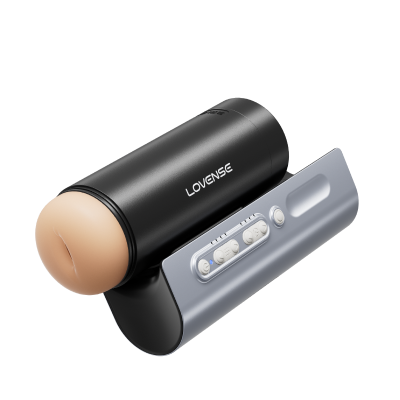
Solace Pro
AI-Powered Remote Control Thrusting Blowjob Machine
$199.00
$399.00
Add Lush 4 for deep and rumbly G-spot vibrations.
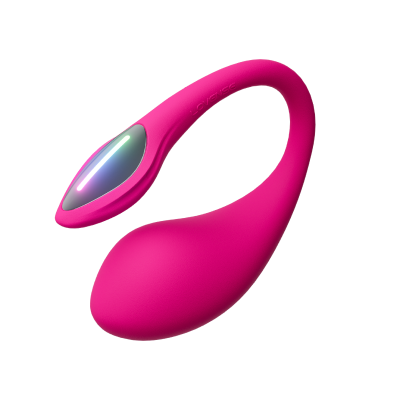
Lush 4
Bluetooth® App-Controlled G-Spot Egg Vibrator
$129.00
$259.00
Add Domi 2 for powerful clit/nipple stimulation.
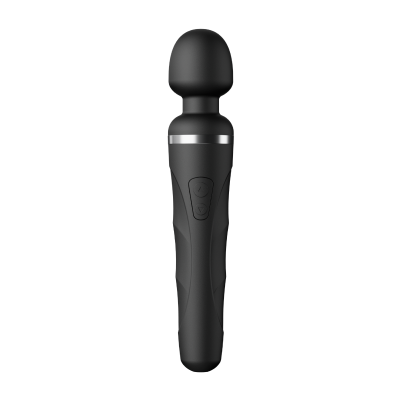
Domi 2
Bluetooth Vibrating Mini Wand
$99.00
$199.00
Add Gemini for intense nipple stimulation.
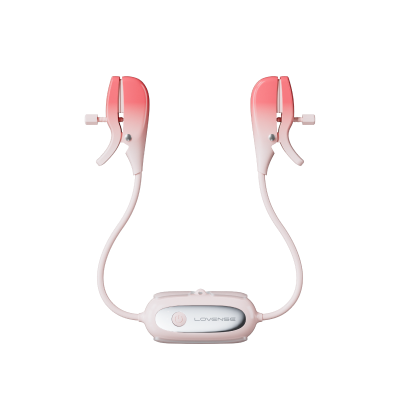
Gemini
App-Controlled Vibrating Nipple Clamps
$69.00
$139.00
Add Edge 2 for powerful prostate stimulation.
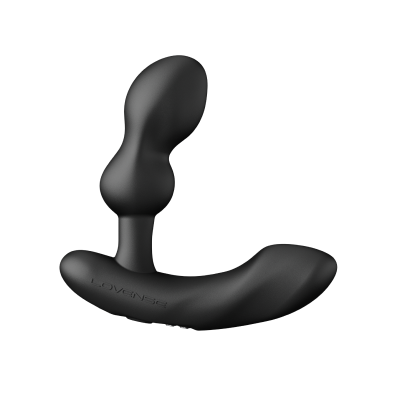
Edge 2
Adjustable, App-Controlled Dual-motor Prostate Massager
$99.00
$199.00
Add Ferri for wearable clit stimulation.
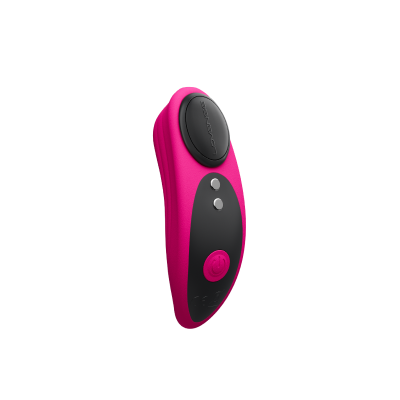
Ferri
Wearable Magnetic Panty Vibrator
$99.00
$199.00
App Download
Compatible with:
iPhone/iPad/iPod Touch iOS 14.2 and later
Android 5.0 and later (with Bluetooth 4.0 enabled)
Mac (with Bluetooth 4.0 enabled)
Windows PC (needs a Lovense USB Bluetooth Adapter to connect  )
)
 iPhone/iPad
 Android
 Mac
Mac
 Windows PC
Pairing with Your Devices
Pair with iOS/Android/Mac
1. Press and hold Lovense Mini Sex Machine's ON/OFF button to turn on the toy. A light will flash to indicate it's on and ready to pair.
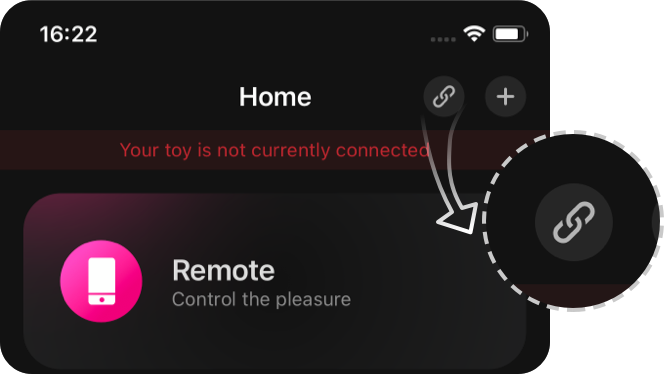
2. Click the  icon.
icon.
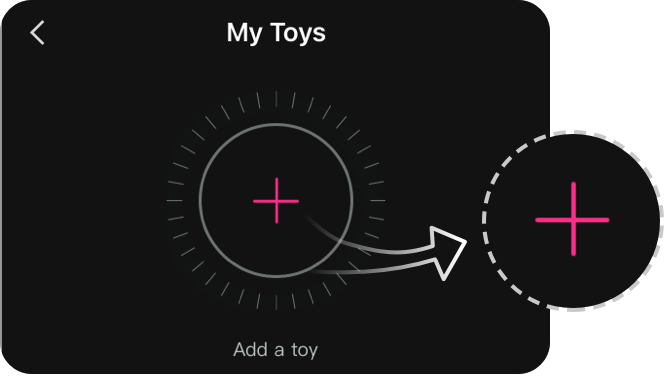
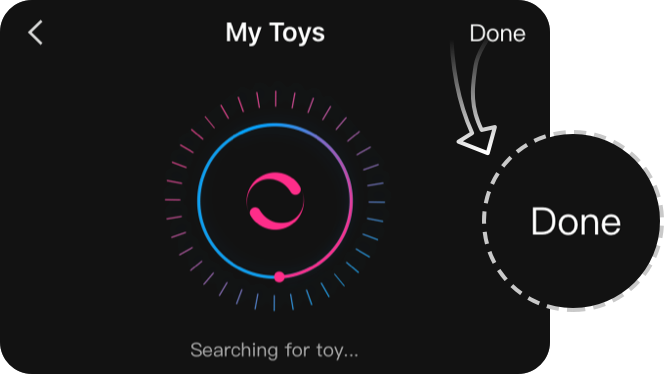
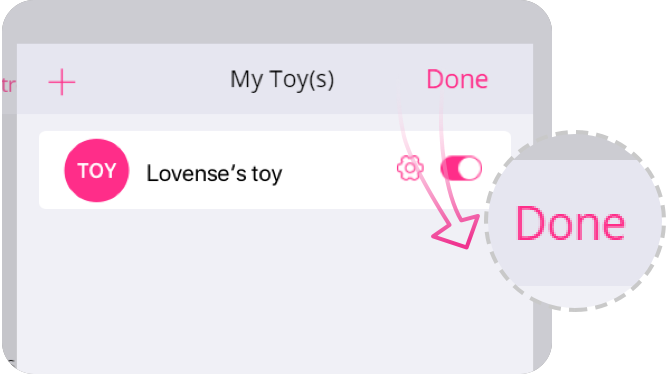
3. Tap "+" to begin searching. After the toy is found, tap "Done". The light will stay on to indicate it's connected. Your toy can now be controlled with your smartphone.
Note:
· You only have to pair your toy once. Next time it should automatically connect to your smartphone.
· This icon  shows the signal of the connection. It will switch to this one if it disconnects. If paired, it will automatically reconnect.
Pair with PC
1. Press and hold Lovense Mini Sex Machine's ON/OFF button to turn on the toy. A light will flash to indicate it's on.
2. Plug the Lovense USB Bluetooth Adapter into a free USB port on your computer.
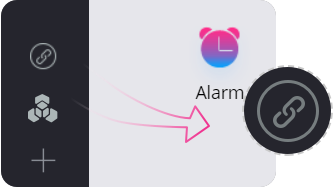
3. Click the icon.
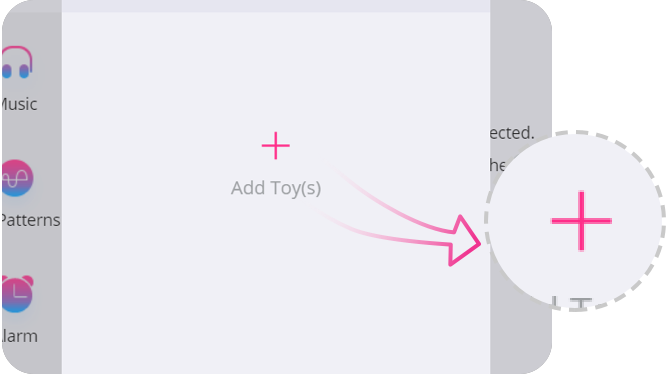
4. Tap "+" to begin searching. After toy is found, tap "Done". The light will stay on to indicate it's connected. Your toy can now be controlled with your PC.
How To Program
How To Program
1. After successfully pairing Lovense Mini Sex Machine to your phone, tap on the Lovense Mini Sex Machine panel in the My Toys section.
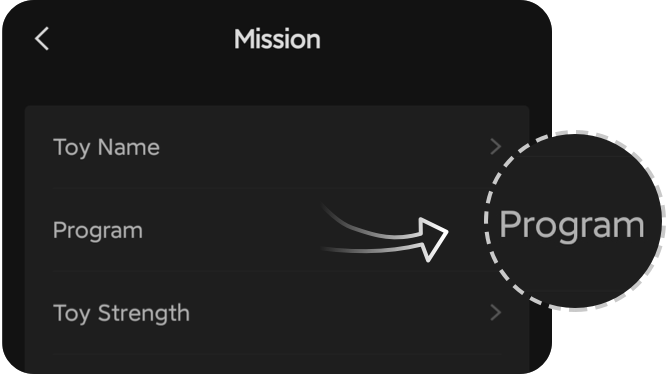
2. Tap "Program" button to see the programming options.
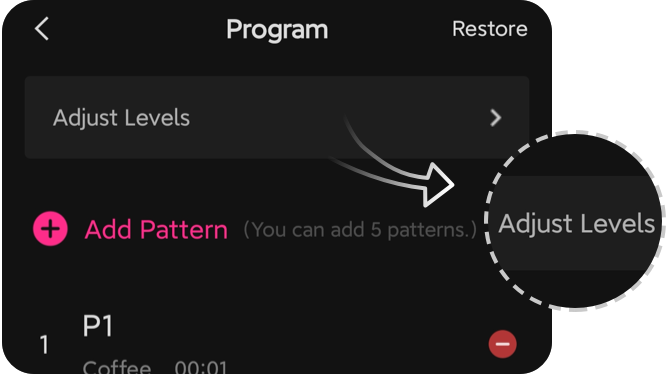
3. Tap "Adjust Levels" to adjust the first three levels.
4. Tap "Create New Pattern" to add a preset pattern onto Lovense Mini Sex Machine.