Toys
-
 Ambi
Ambi
-
 Calor
Calor
-
 Diamo
Diamo
-
 Dolce
Dolce
-
 Domi
Domi
-
 Domi 2
-
 Edge
Edge
-
 Edge 2
-
 Exomoon
-
 Ferri
Ferri
-
 Flexer
-
 Fizz
Fizz
-
 Gemini
-
 Gravity
-
 Gush
Gush
-
 Gush 2
-
 Gush 2 Motion
-
 Hush
Hush
-
 Hush 2 (1 Inch)
-
 Hush 2 (1.5 Inch)
-
 Hush 2 (1.75 Inch)
-
 Hush 2 (2.25 Inch)
-
 Hyphy
Hyphy
-
 Lapis
Lapis
-
 Lovense Mini Sex Machine
-
 Lovense Sex Machine
-
 Lush
Lush
-
 Lush 2
-
 Lush 3
-
 Lush 4
-
 Lush Mini
-
 Lush Anal
-
 Max
Max
-
 Max 2
Max 2
-
 Mission
-
 Mission 2
-
 Nora
Nora
-
 Osci
Osci
-
 Osci 2
-
 Osci 3
-
 Ridge
Ridge
-
 Solace
-
 Solace Pro
-
 Spinel
-
 Vulse
Vulse
-
 Tenera 2
-
 Velvo
Velvo

 Max
MaxGetting Started
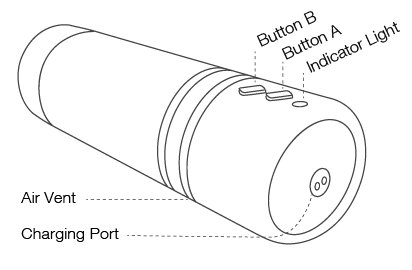
Button Instruction:
Turn On/Off ------- Press and Hold Button A (for 3 seconds)
Tap Button A ----- Toggles Vibration Speeds
Tap Button B ----- Toggles Air Pump Settings
Air Pump Details:
Level 1 : Subtle Contractions
Level 2 : Mild Contractions
Level 3 : Deep Contractions (tightest)
Charging
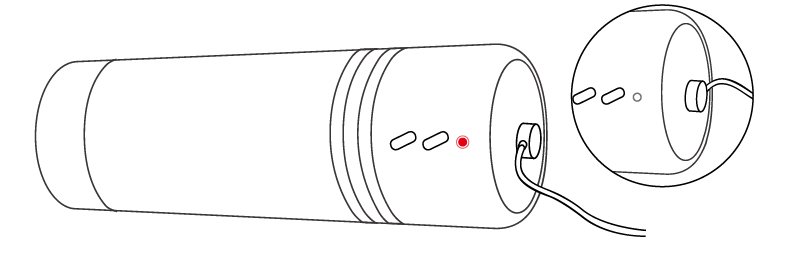
Turn off the device before charging. The cable can be plugged into any USB port or USB/AC power adapter to start charging. It will take approximately 2 hours to fully charge. Once it is fully charged, the solid red light will turn off.
Note:
It is a magnetic charger and will only work if positioned correctly. When attempting to charge, if a solid red light doesn't turn on, rotate the cable 180 degrees. DO NOT use the toy while charging.
Cleaning & Care
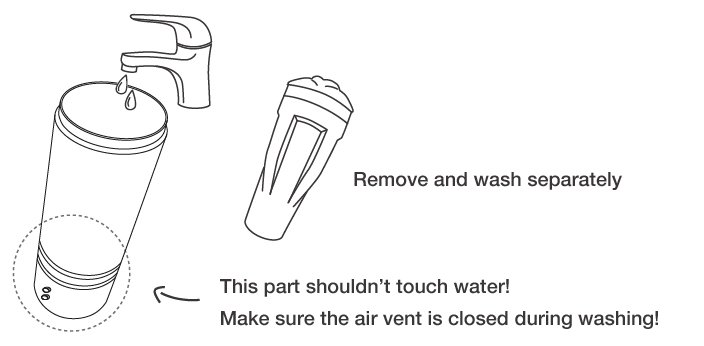
· DO NOT boil in water (the battery may explode or water could leak into the toy).
· Clean with warm water. Do NOT use soap on the inner sleeve, as it may degrade the material.
· Dry thoroughly before storing.
· Keep away from extreme heat or cold.
· Make sure your toy is recharged at least once every six months.
Usage Tip
Air Vent
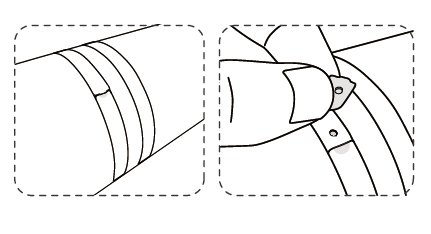
If the toy is too tight, locate the air vent which is on the opposite sides of the buttons. During use, try rythmically covering and uncovering the vent- it may improve the sensation.
Lubricant
Before insertion, generously apply lube to the inside of the sleeve, the entry hole and your penis. Water based lube may dry out quickly, so you may need to reapply. We recommend using Lovense Water-Based Lubricant for the best experience.


Pair with other Lovense toys
Add Lush 4 for deep and rumbly G-spot vibrations.
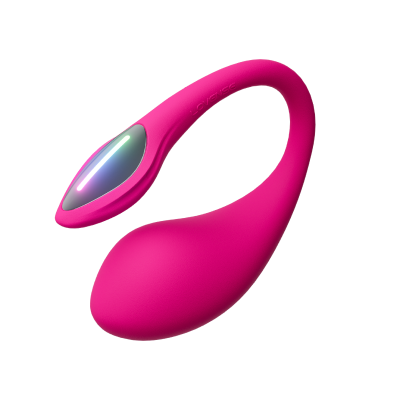
Lush 4
Bluetooth® App-Controlled G-Spot Egg Vibrator
$129.00
$259.00
Add Solace Pro for automatic thrusting pleasure.
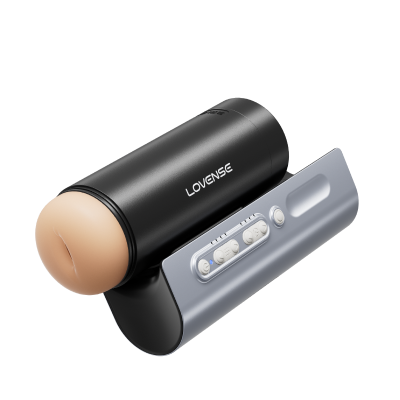
Solace Pro
AI-Powered Remote Control Thrusting Blowjob Machine
$199.00
$399.00
Add Ferri for wearable clit stimulation.
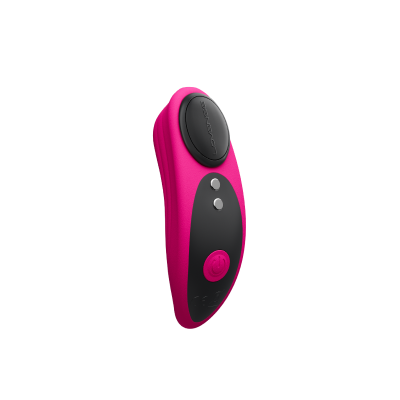
Ferri
Wearable Magnetic Panty Vibrator
$99.00
$199.00
Add Edge 2 for powerful prostate stimulation.
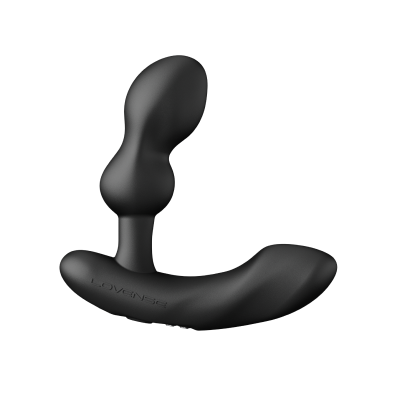
Edge 2
Adjustable, App-Controlled Dual-motor Prostate Massager
$99.00
$199.00
Add Max 2 to try long-distance, interactive sex.
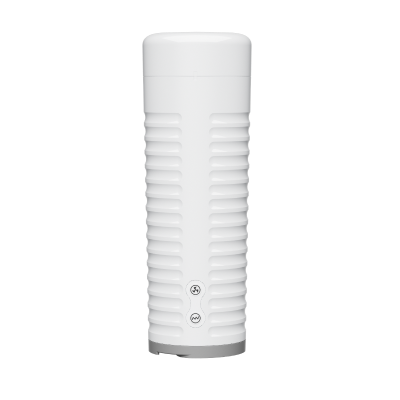
Max 2
App-Controlled Vibrating & Contracting Masturbator
$99.00
$199.00
Add Hush 2 for deep, wearable anal vibration.
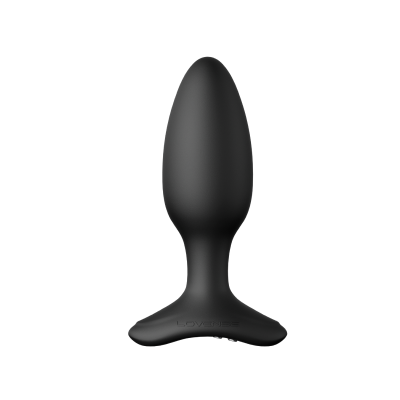
Hush 2 1.5 inch (max diameter)
App-Controlled Vibrating Butt Plug
$99.00
$199.00
App Download
Compatible with:
iPhone/iPad/iPod Touch iOS 14.2 and later
Android 5.0 and later (with Bluetooth 4.0 enabled)
Mac (with Bluetooth 4.0 enabled)
Windows PC (needs a Lovense USB Bluetooth Adapter to connect 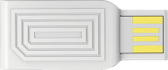 )
)
 iPhone/iPad
 Android
 Mac
Mac
 Windows PC
Pairing with Your Devices
Pair with iOS/Android/Mac
1. Press and hold Max's ON/OFF button to turn on the toy. A light will flash to indicate it's on and ready to pair.
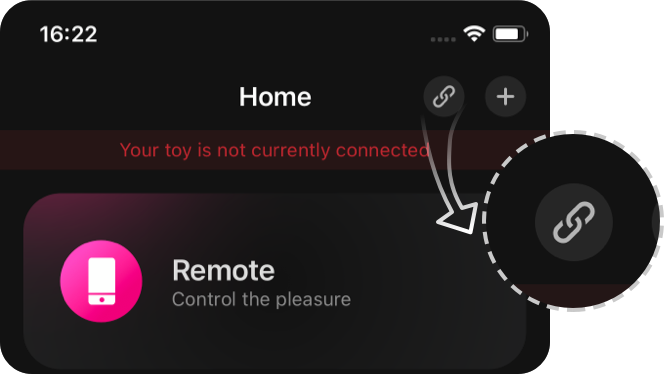
2. Click the  icon.
icon.
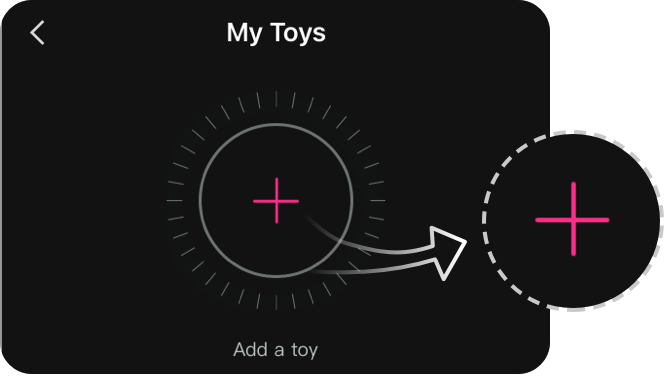
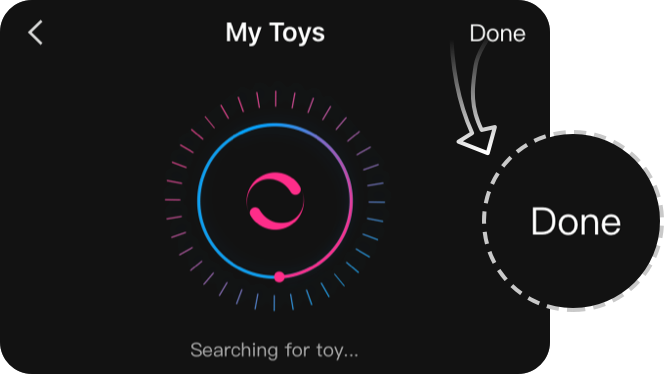
3. Tap "+" to begin searching. After the toy is found, tap "Done". The light will stay on to indicate it's connected. Your toy can now be controlled with your smartphone.
Note:
· You only have to pair your toy once. Next time it should automatically connect to your smartphone.
· This icon  shows the signal of the connection. It will switch to this one if it disconnects. If paired, it will automatically reconnect.
Pair with PC
1. Press and hold Max's ON/OFF button to turn on the toy. A light will flash to indicate it's on.
2. Plug the Lovense USB Bluetooth Adapter into a free USB port on your computer.
3. Click the icon.
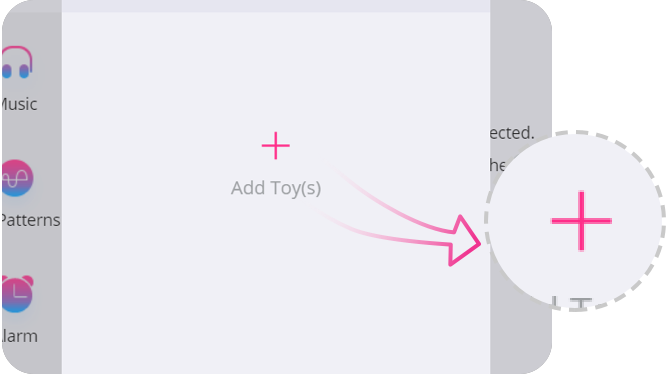
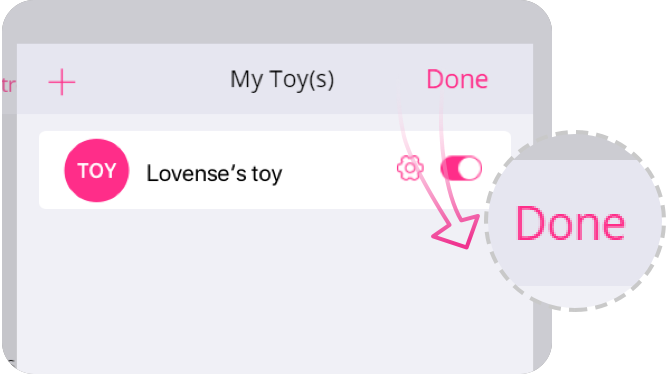
4. Tap "+" to begin searching. After toy is found, tap "Done". The light will stay on to indicate it's connected. Your toy can now be controlled with your PC.
If you are using Max and have the old generation dongle 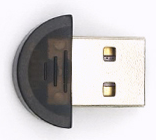 , use the following guides to pair with your PC:
Connect and Play
Connect and Play
1. Go to the "Long-Distance" tab in Lovense Remote app.
2. Tap "+" to add a contact. Enter their username and tap "Add."
3. After your partner accepts the request, they will show up in this tab.
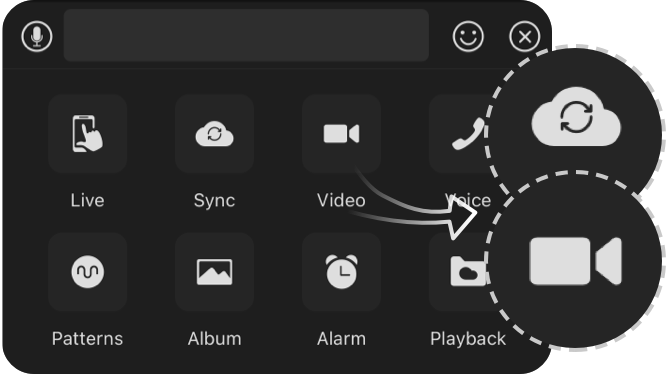
4. When messaging, press the "+" button to connect with your partner. Long-distance sex is available via the "Sync Together" or "Video Chat" button.
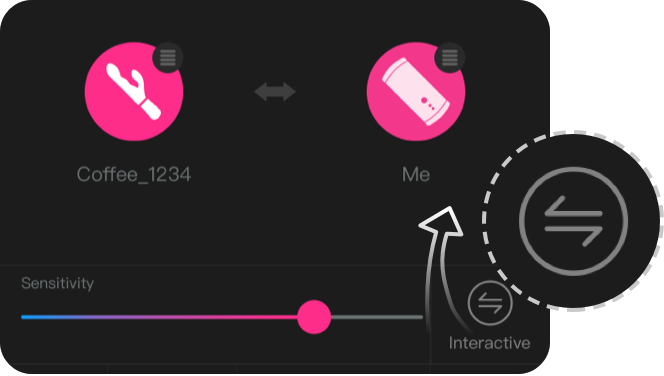
5. Click the two arrow icon (at the bottom) to change how the toys sync together.
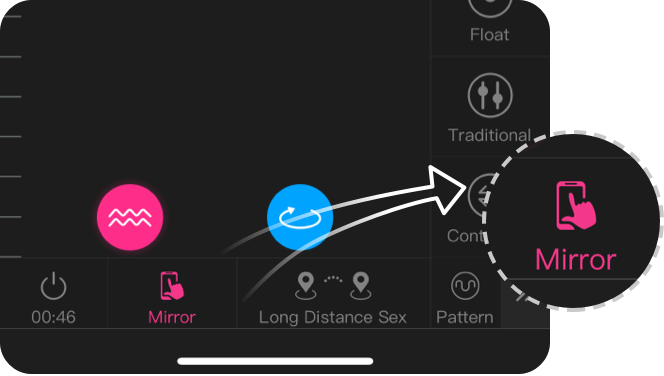
6. Click the "Long-Distance Sex" or "Remote Control" button to switch between those modes.